
Black Friday falls on November 27, 2026. With two weeks to go, now is the time to confirm that your WooCommerce store can handle the customer journey from product discovery to completed checkout. A focused review can help you catch avoidable issues before traffic increases, without introducing unnecessary changes at the last minute.
The technical landscape is also shifting. WooCommerce 11.3.0 was released on November 11, and Google’s November core update began rolling out on November 10. These developments make careful testing and steady measurement more valuable than rushed site changes. Use this seven-point checklist to prepare.
1. Test WooCommerce 11.3.0 on staging before deciding whether to update
WooCommerce 11.3.0 is backwards compatible, but it includes a database update. The release includes 1,343 commits from 111 contributors and adds changes to catalog blocks, sale badges, product galleries, and returns policies. Those improvements may be useful, but the timing makes a controlled update process essential.
Create a current backup and test the update on a staging copy before changing your live store. WooCommerce’s update guide advises testing on staging first, then checking the store’s key workflows after updating. On staging, confirm that:
- Product pages, cart, and checkout load and behave as expected.
- Payment, tax, shipping, and order-email processes work.
- Your theme and extensions remain compatible.
- Sale badges display correctly and the cart calculates totals accurately.
- The required database update completes successfully.
If the update passes your tests and you have a clear reason to adopt it before Black Friday, schedule the production change carefully. Otherwise, avoid an untested production update during a high-stakes sales period.
2. Verify sale prices, coupon rules, and discount messaging
A promotion needs to calculate correctly and be easy for shoppers to understand. Review sale prices, coupon codes, scheduled start and end times, exclusions, minimum spend requirements, and whether discounts combine. Test representative products in the cart and checkout, including variable products and any items with different sale prices.
Then check the message customers see before they add a product to their cart. WooCommerce 11.3’s On-Sale Badge block can display the discount amount, percentage, or custom text. For variable products, the badge can reflect the maximum discount or a particular variation’s sale price. Use this flexibility to make the offer clear, but ensure it accurately describes the price shoppers will pay.
WooCommerce 11.3 also adds more color, spacing, and border controls to product and catalog blocks, including Product, Featured Product, Featured Category, and Product Categories List blocks. If you use these blocks, review your mobile and desktop layouts. The added controls may reduce the need for custom code in some block designs, but your storefront still needs a visual check.

3. Check the mobile product gallery and image performance
Shoppers need to inspect products easily, especially on smaller screens. WooCommerce 11.3 updates the Product Gallery block to use native scrolling and scroll snap for more natural mobile swipes. The gallery also works with product variation image galleries.
Test on a real phone, not only in a desktop preview. Swipe through the images, select different product variations, and verify that the displayed photos match each selection. Check that images load promptly, remain sharp enough to evaluate the product, and do not push key details or the add-to-cart button too far down the page.
Large, unoptimized images can make a product page feel slow and interrupt the path to purchase. Compress image files appropriately, remove redundant gallery shots, and retest page behavior after making adjustments. Avoid broad design changes this close to the sale unless you can validate them quickly.
4. Publish and link shipping, returns, and refund information
Before the rush, make delivery expectations and post-purchase policies straightforward to find. Confirm that your shipping page accurately describes costs, delivery estimates, available regions, and any holiday cutoffs. Check that your returns and refund information is current, consistent with your actual operations, and linked from useful places such as the footer, product pages, and checkout.
WooCommerce 11.3 allows merchants to define a refund and returns policy page. WooCommerce labels the selected page in the Pages list and references it with structured data, helping search engines and agents find it. Set the page up if you use the new feature, then verify that the page is published and linked appropriately. Do not assume that selecting a page replaces the need to make important policy details visible to shoppers.
5. Check product information, structured data, and your Merchant Center feed
Product information should agree everywhere a customer or shopping service encounters it. Review a sample of key products and confirm that the page, structured data, and Google Merchant Center feed show consistent price, currency, sale details, availability, and product specifications. Check that stock status updates when inventory changes.
Google’s Merchant Center product data specification requires accurate product data, including price and availability. Google’s merchant listing structured data guidance also explains how product pages can provide information for search features. Markup can help describe what is on the page, but it does not guarantee a particular search appearance or citation. Keep the visible page information accurate first, and use structured data to reinforce it.
This matters as commercial searches evolve. A Semrush study of 400 U.S. desktop commercial keywords found that, by August 2026, AI Overviews appeared for roughly 82% to 96% of the five commercial-intent search modifier groups it tracked. The study measured AI Overview presence for its selected keywords, not referrals or product citations. Still, it is a practical reason to make product pages useful as sources: provide clear prices, availability, reviews where applicable, and specific product details.
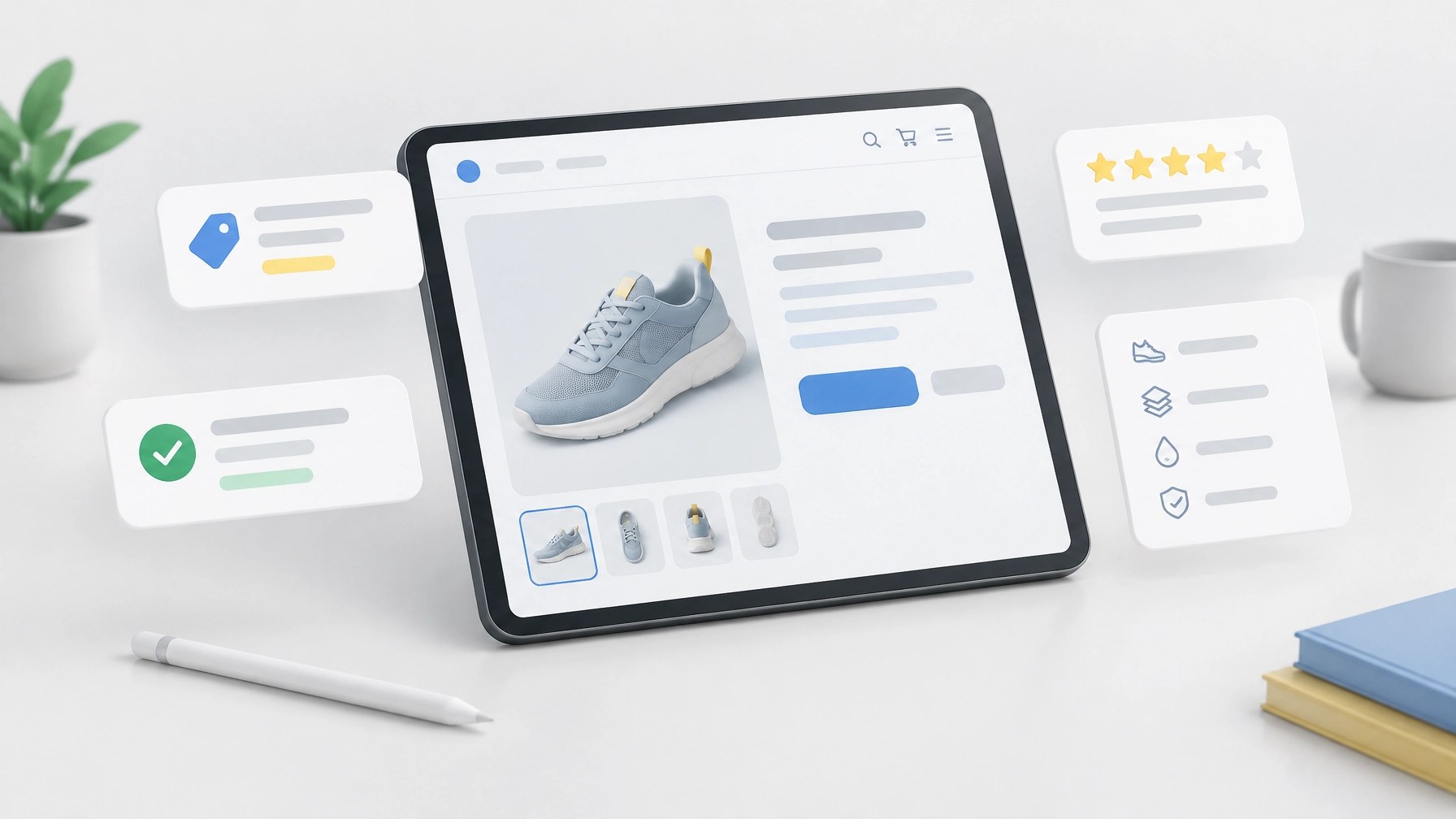
6. Prepare email, retargeting, and a post-holiday follow-up
Search and paid ads are only part of your holiday demand plan. Segment your email list where appropriate, verify that sign-up forms and campaign links work, and prepare messages for customers who have purchased before, browsed without buying, or abandoned a cart. Confirm that any retargeting audiences and purchase events are configured correctly, and set a follow-up plan for after the sale, such as delivery information, product care guidance, or a relevant next offer.

If you are a local retailer offering pickup or in-store purchases, do not depend solely on the local pack for holiday discovery. Search Engine Roundtable reported that Google is testing a mobile AI Overview version of local results that removes action buttons, reviews, and photos. The test may make calls, directions, and website visits harder to access directly from Search. Give customers direct paths through your site, email, and booking or pickup links, and keep your Google Business Profile information current.
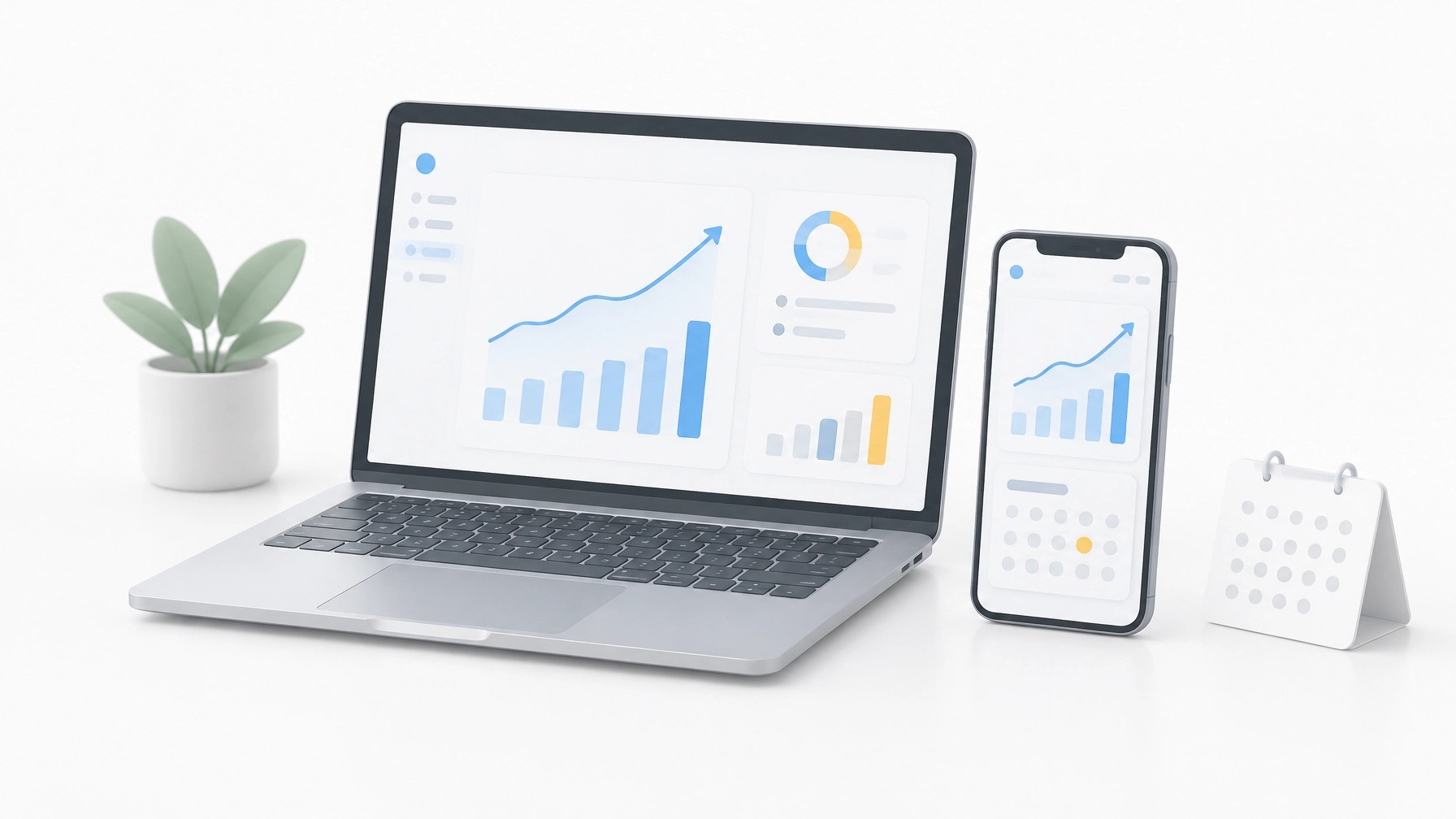
7. Set up measurement before traffic arrives, and avoid panic SEO changes
Decide what you will monitor during the event, and confirm that analytics records it correctly. At minimum, track conversion rate by device, add-to-cart-to-purchase rate, and revenue per visitor. Check that purchase events, campaign parameters, and checkout tracking are working before launch. Establish a recent baseline so you can distinguish a real issue from normal variation in traffic or order mix.
Google’s November 2026 core update began rolling out on November 10, applies globally to all languages, and may take up to about two weeks to complete, roughly through November 24. Google advises waiting until the rollout is complete and then allowing about another week before drawing conclusions from Search Console data, as reported by Search Engine Journal and Search Engine Land. Monitor rankings and organic traffic, but do not make structural SEO changes in Black Friday week based on unsettled data.
Make your final checks count
A dependable Black Friday store is not built through last-minute redesigns. It comes from verified pricing and promotions, a tested checkout, clear product and policy information, reliable measurement, and a customer journey that works on mobile.
If your WooCommerce store needs technical improvements or a more focused approach to website conversion optimization, Integrated Mobile Marketing can help. Our website development services support tailored WordPress and WooCommerce experiences, and our conversion optimization tips offer practical ways to reduce friction. For hands-on support, our WooCommerce experts can help you prioritize updates and custom WordPress development around your business goals.